
Best AI Image Models for Fashion and Brand Content: How to Choose
How to choose an AI image model for lookbooks, product shots, and campaigns.

The best AI image model for fashion and brand content is the one that fits the job in front of you. Lookbooks and on-model shots need believable people and fabric. Product visuals need accurate details. Campaigns need a consistent brand look in the right format. Rather than chasing a single winner, test two or three models with the same brief and keep the one that passes your checklist.
Fashion and brand teams ask a lot of an image model. A sweater has to look like knit, not plastic, and a campaign has to feel like your brand in every format. This guide covers what to look for, which models you can use on Designs.ai, how to test them fairly, and how to brief them.
What makes an AI image model good for fashion and brand work?
A good model for fashion renders people, fabric, and products believably, follows detailed instructions, and holds a consistent look across many images and formats.
General "image quality" is too broad to be useful. Break it into the qualities that actually affect fashion and brand content:
| Quality | Why it matters for fashion and brand content | What to look for |
|---|---|---|
| Believable people | Lookbooks, on-model shots, and campaigns depend on natural faces, hands, and poses | Natural skin, relaxed poses, hands that look right |
| Fabric and texture | Customers judge quality by how a garment looks | Visible weave or knit, realistic drape, folds that follow the body |
| Product accuracy | The image has to match what you actually sell | Correct colors, stitching, logos, and proportions |
| Prompt adherence | Fashion briefs are detailed | Every requested detail appears, and nothing extra is added |
| Consistent styling | A campaign is a set, not a single image | Similar lighting, palette, and mood across the set |
| Formats and resolution | One shoot becomes many placements | The aspect ratios and sizes your channels need |
| Editing and refinement | Small fixes are faster than full regenerations | Ability to adjust one element and keep the rest |
No model is equally strong at all seven. Decide which two or three matter most for the piece you're making, and judge models on those.
Which AI image models can you use on Designs.ai?
Designs.ai gives you several leading image models in one workspace, so you can pick the right one for each task instead of switching tools.
Here are the image models Designs.ai currently features, with how Designs.ai positions each one:
| Model | How Designs.ai positions it | A sensible place to start |
|---|---|---|
| Nano Banana 2.1 (Google) | The newest Nano Banana model, available for image generation and refinement, with 1K, 2K, and 4K output | Everyday campaign and social visuals in many formats |
| Nano Banana 2 (Google) | Fast generation with creative controls, built for daily marketing visuals | High-volume social content |
| Nano Banana Pro (Google) | Premium refinement for brand-critical hero assets | Campaign key visuals |
| GPT-5.4 Image 2 (OpenAI) | Detailed text-to-image generation, plus editing an uploaded image by describing the change | Concepts that need precise instructions or edits |
| Imagen 4 (Google) | Realism, texture, and lighting detail for product and lifestyle images | Fabric close-ups and lifestyle scenes |
| FLUX.2 Pro | Clean, structured product visuals and image refinement | Ecommerce and marketplace images |
To use Nano Banana 2.1, open Account › Model and assign it to the image tasks you want it for: Image Generation, Image Refine, Slide Visual Image, or Branding Image. It supports 1K, 2K, and 4K output and the aspect ratios 1:1, 3:2, 2:3, 3:4, 4:3, 4:5, 5:4, 9:16, 16:9, and 21:9, which covers most fashion placements, from square product tiles to vertical stories and wide banners.
If you don't want to choose every time, Designs.ai can route each task to a suitable model automatically, and you can override that choice whenever you prefer a specific model. Model line-ups change often, so check the current list in your account before you plan a big shoot.
Which model should you use for each type of fashion content?
Match the model to the content type: realism for on-model and lifestyle work, accuracy for products, and consistency for campaigns.
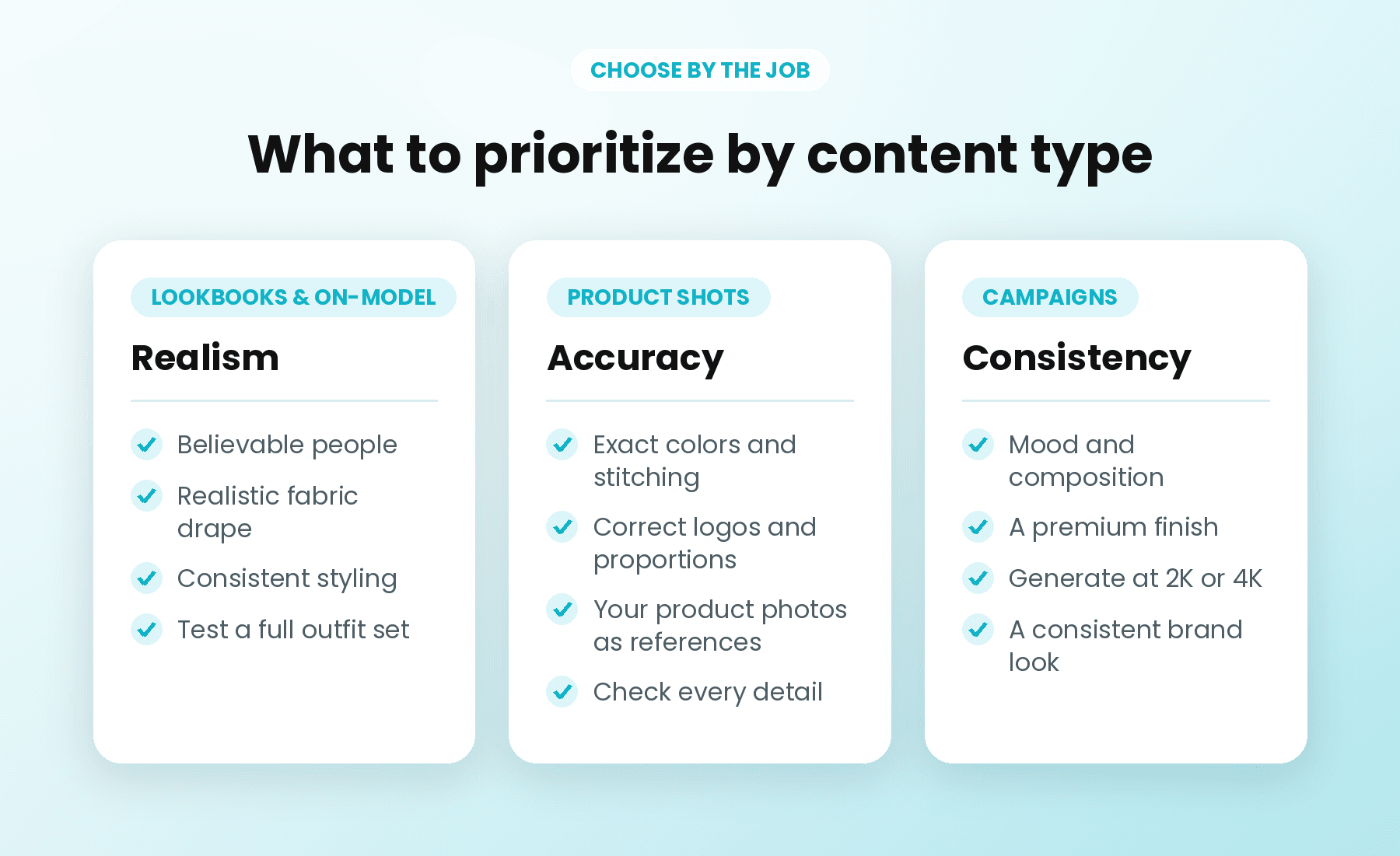
| Content type | What matters most | How to approach it |
|---|---|---|
| Lookbook and on-model images | Believable people, fabric drape, consistent styling | Shortlist the models positioned for realism and test a full outfit set |
| Product shots and flat lays | Exact colors, stitching, logos, and proportions | Start from your own product photos as references where possible, then check every detail |
| Campaign hero visuals | Mood, composition, premium finish | Try a model positioned for hero assets, and generate at 2K or 4K |
| Social content sets | Speed and a consistent look across many posts | Use a fast everyday model and the same style direction for the whole set |
| Seasonal and promotional graphics | Short, legible text and clear layouts | Keep text short, quote it exactly, and use a higher resolution |
Treat this as a starting point, not a ranking. Your own products and brand style will decide which model works best.
How do you test AI image models fairly?
Give each model the same brief, format, and resolution, then score the results against a short checklist.
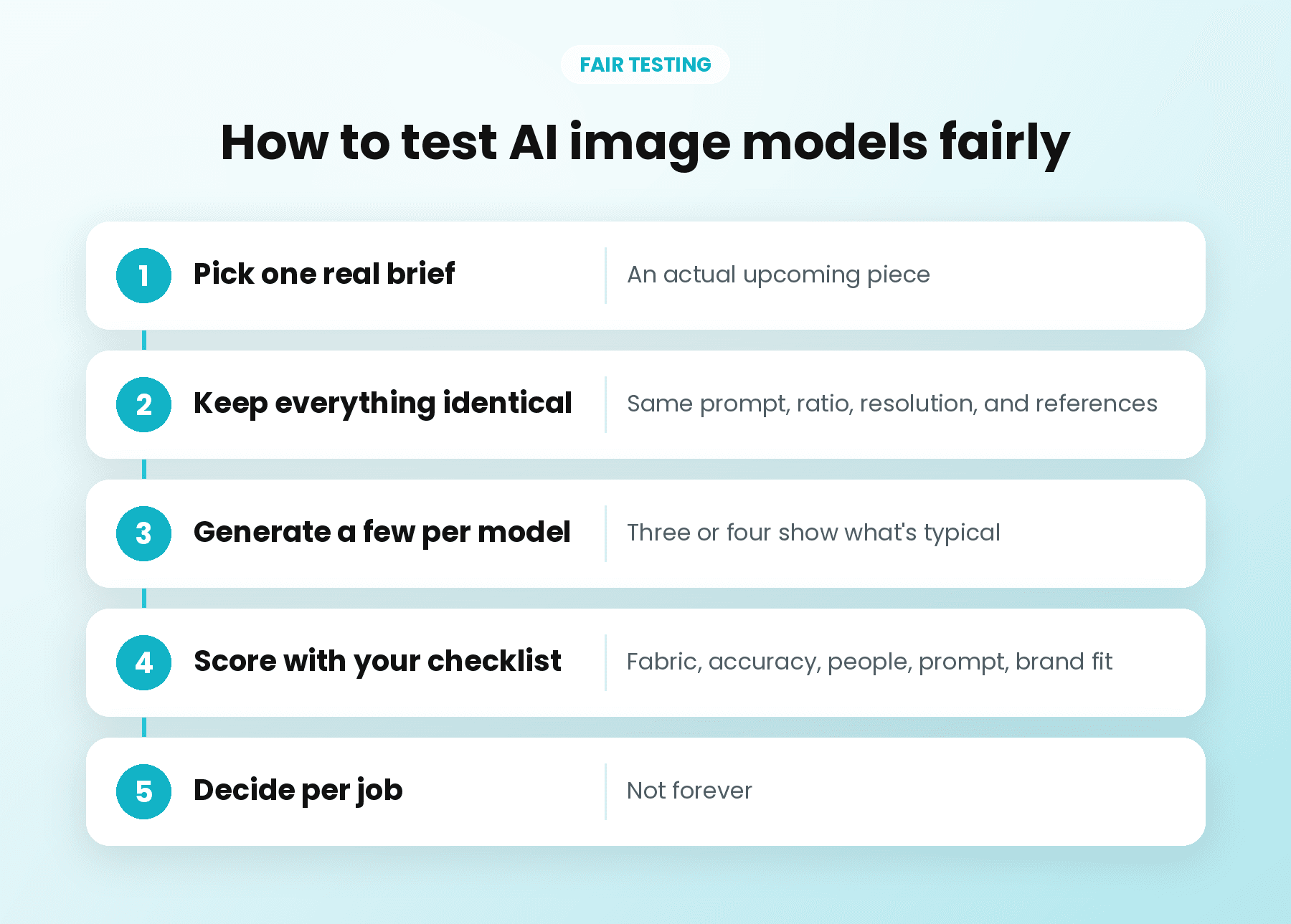
A fair test takes less than an hour:
- Pick one real brief. Use an actual upcoming piece, such as "linen shirt, on model, summer lookbook, 4:5."
- Keep everything identical. Same prompt, same aspect ratio, same resolution, and the same reference images if you use them.
- Generate a few images per model. One image can be lucky. Three or four show you what's typical.
- Score with your checklist. Rate fabric, product accuracy, people, prompt adherence, and brand fit on a simple scale.
- Decide per job, not forever. You might keep one model for lookbooks and another for product tiles.
Save the winning prompt and settings so next season starts from a proven setup.
How do you brief an AI image model for fashion?
Describe the garment like a stylist, the scene like a photographer, and the brand like an art director, then state what must not change.
Vague prompts produce generic fashion images. A strong brief usually covers:
- Garment: fabric, color name, fit, and key details such as "relaxed-fit linen shirt in sage green, mother-of-pearl buttons."
- Model and pose: age range, styling, expression, and pose, described respectfully and specifically.
- Setting: location, time of day, and props.
- Lighting and camera: soft daylight, studio light, close-up, full length, or eye level.
- Brand style: your palette, mood, and finish, such as "warm, minimal, natural tones."
- Format: aspect ratio and resolution for the placement.
- Must not change: logo placement, product color, or anything legally required.
Here's an example you can adapt:
"Full-length photo of a woman in her thirties wearing a relaxed-fit linen shirt in sage green and cream wide-leg trousers, walking along a sunlit stone street in the late afternoon. Soft natural light, gentle shadows, warm and minimal mood. Fabric texture clearly visible. No text, no logos. 4:5 aspect ratio, 2K."
Change one thing at a time when you refine. If the color is right but the pose isn't, keep the prompt and adjust only the pose.
How do you keep AI fashion visuals on brand?
Set your brand rules once, reuse the same references, and review every image against them.
Consistency is what turns good images into a recognizable campaign:
- Use a Brand Kit. Save your logo, colors, and typography so they're applied to the assets you create.
- Reuse approved references. Keep a small set of images that show your lighting, styling, and mood, and use them for every new batch.
- Save repeatable setups. In Studio, you can upload product photos or style references, connect them to image and video generators, and save the board, so next season's product shots or campaign variations start from the same setup.
What should you watch out for with AI fashion images?
Make sure every image represents your product honestly, respects people's rights, and passes a human review.
- Product accuracy. Customers buy based on what they see. If an AI image changes a color, cut, or detail, fix it or don't publish it.
- Likeness and consent. Don't create images that resemble real people, such as celebrities or your own models, without clear permission.
- Representation. Show a realistic range of people, and check that styling and settings are respectful.
- Visual artifacts. Check hands, jewelry, patterns, and any text in the image.
- Disclosure. Follow the rules of each platform and marketplace, and any local requirements, for labeling AI-generated or edited images.
Where Designs.ai fits
Designs.ai brings these models into one workspace, so you can test, choose, and produce without juggling separate tools. In Agents Mode, you describe the content you need in plain language, and specialist agents help create images, videos, slides, and more, with your Brand Kit applied for consistency. You stay the art director: you set the brief, compare the options, and decide what's ready to publish.
Frequently asked questions
What is the best AI image model for fashion?
There isn't one best model for every fashion task. Choose based on the job: realism and fabric detail for lookbooks and on-model images, accuracy for product shots, and consistency for campaigns. Test two or three models with the same brief and keep the one that passes your checklist.
Which AI image models are available on Designs.ai?
Designs.ai currently features image models including Nano Banana 2.1, Nano Banana 2, and Nano Banana Pro from Google, GPT-5.4 Image 2 from OpenAI, Imagen 4 from Google, and FLUX.2 Pro. Model line-ups change, so check the current list in your account.
How do I use Nano Banana 2.1 on Designs.ai?
Open Account › Model and assign Nano Banana 2.1 to the image tasks you want it for, such as Image Generation, Image Refine, Slide Visual Image, or Branding Image. It supports 1K, 2K, and 4K output and aspect ratios from 1:1 to 21:9, including 4:5 and 9:16.
Can AI image models show clothing accurately?
They can produce convincing fabric and garment detail, but accuracy varies by model and prompt. Describe the garment precisely, use your own product photos as references where possible, and check colors, stitching, logos, and proportions before publishing.
How do I keep AI fashion images consistent across a campaign?
Use the same brief structure, references, lighting description, and brand palette for every image in the set. Save your logo, colors, and fonts in a Brand Kit, and review each image against a short style checklist.
Is it okay to use AI-generated models in fashion marketing?
It can be, as long as the images represent your products honestly, don't imitate real people without permission, and follow platform and local rules on labeling AI-generated content. A person on your team should review and approve every image.